
Google Whisk to Flow: A Visual Concept Workflow
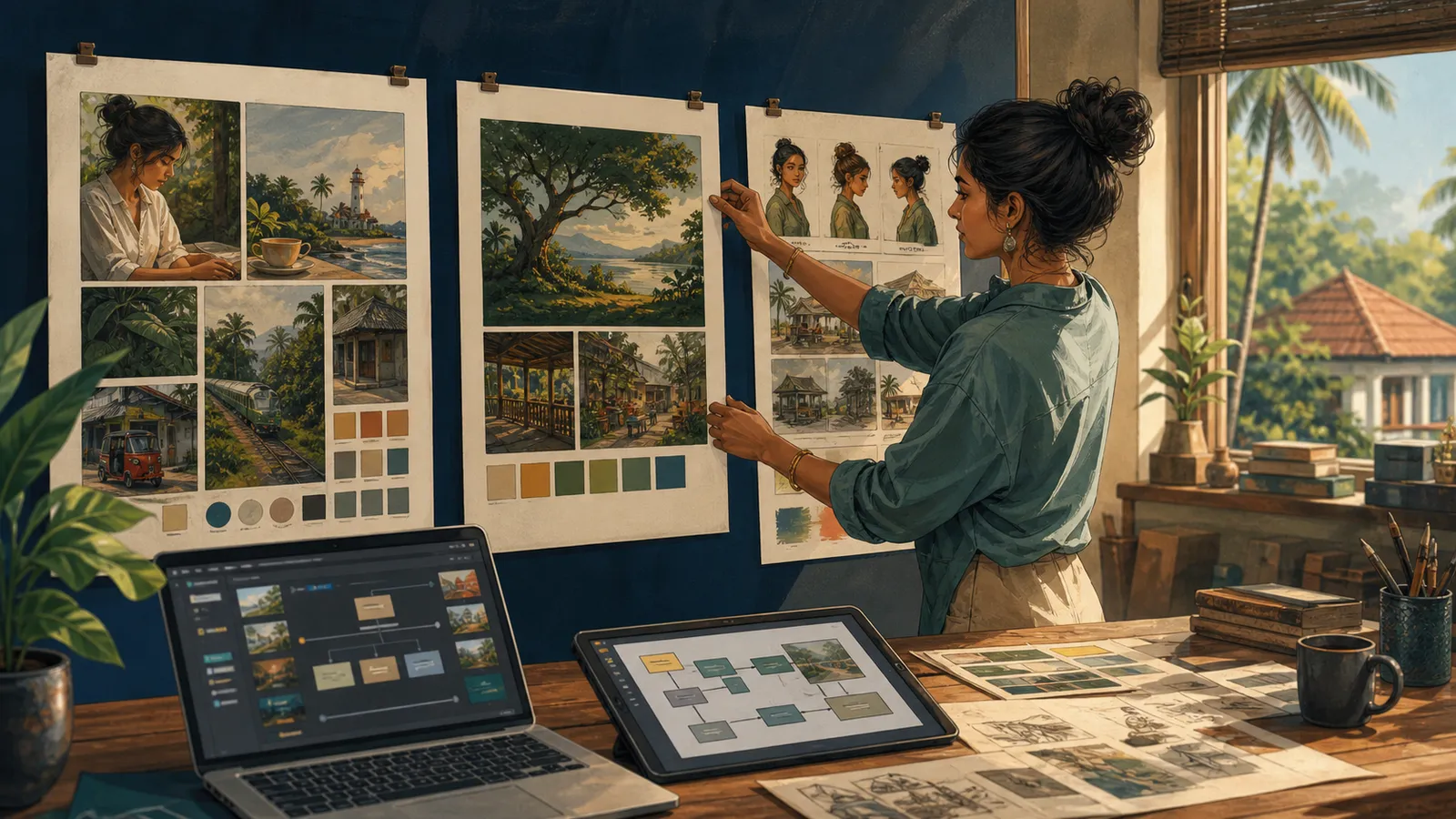
People searching for Google Whisk may encounter instructions that no longer describe the current creative workflow. Google announced in February 2026 that core Whisk and ImageFX capabilities were moving into Flow, with an option to transfer projects and assets starting in March. See the official transition announcement.
For Sri Lankan creators, the useful lesson is still how to organise visual references: define the subject, scene and style, then evaluate the result against a clear brief.
Separate the three reference roles
Google's original Whisk announcement described using images to communicate subject, scene and style. Treat these as different inputs rather than a random collection of attractive pictures.
| Reference role | What it communicates |
|---|---|
| Subject | The main object or character |
| Scene | The environment and spatial context |
| Style | The visual treatment, materials or mood |
A subject reference does not automatically establish permission to copy a person's likeness or a product image. Use references you are entitled to use.
Write the concept in plain language
Imagine a fictional local stationery brand exploring an illustration of a student desk. The subject is a notebook, the scene is a modest study area and the style is a soft editorial illustration.
Write what must remain recognisable and what can vary. If the notebook is a real product, specify the details that require fidelity. If the entire scene is fictional, say so in the project brief.
This written description helps you review the output even if the tool's interface changes.
Use the current workspace
Follow the current product guidance for accessing Flow and any available transfer options. Do not assume that a screenshot from an old Whisk tutorial matches your account today.
Check whether your existing assets are present before deleting or replacing anything. Keep local copies of important approved references where your workflow permits it.
Availability and plan limits may differ across accounts. Confirm the actual controls you can use before quoting a client timeline.
Compare concepts systematically
Choose a few criteria: subject recognition, scene clarity, style consistency and suitability for the intended placement.
A concept can succeed visually while failing the brief. For example, a beautifully illustrated notebook may have the wrong binding or may disappear in a cluttered background.
Change one reference or instruction at a time when diagnosing a problem. This makes it easier to identify which input caused an unwanted result.
Move from concept to publishable asset
A concept is a direction for development. Before publishing, check rights, factual accuracy, unwanted lettering and any implied endorsement.
Add exact text and approved brand elements through a controlled design process. Keep important information in accessible page text as well.
Save the selected output with its prompt and reference notes. A clear record helps another designer reproduce the intended direction without relying on memory.
Is this a current Whisk button-by-button tutorial?
No. It explains the reference-based method and the documented move toward Flow. Use current official product guidance for the interface in your account.
Can one reference control everything?
It may communicate several things, but separating subject, scene and style makes your priorities easier to understand and review.
Should you copy a famous artist's work into the brief?
Describe the visual qualities you need and use references you have permission to use. Keep the resulting asset appropriate for its intended publication.
What is the main skill to learn?
Learn to explain a visual decision and evaluate it against the brief. That skill remains useful when products and interfaces change.
Related guides
- Google Stitch in Sri Lanka: Prototype a Useful App
- Gemini Photo Prompts: A Guide for Sri Lankan Creators
- Gemini Photo Editing: A Practical Sri Lanka Guide
Browse the Sri Lanka work and technology guides for more practical application, AI and workplace projects.
Related articles

About the author
App Dev Sri Lanka prepared this guide with AI assistance, original examples and the linked primary sources. The collection was informed by Google Trends research for Sri Lanka on 2 September 2026. Illustrations depict fictional people. Examples are educational; this article is not a live vacancy notice or an employer endorsement.
Learn more about App Dev Sri Lanka
