
Gemini Photo Prompts: A Guide for Sri Lankan Creators
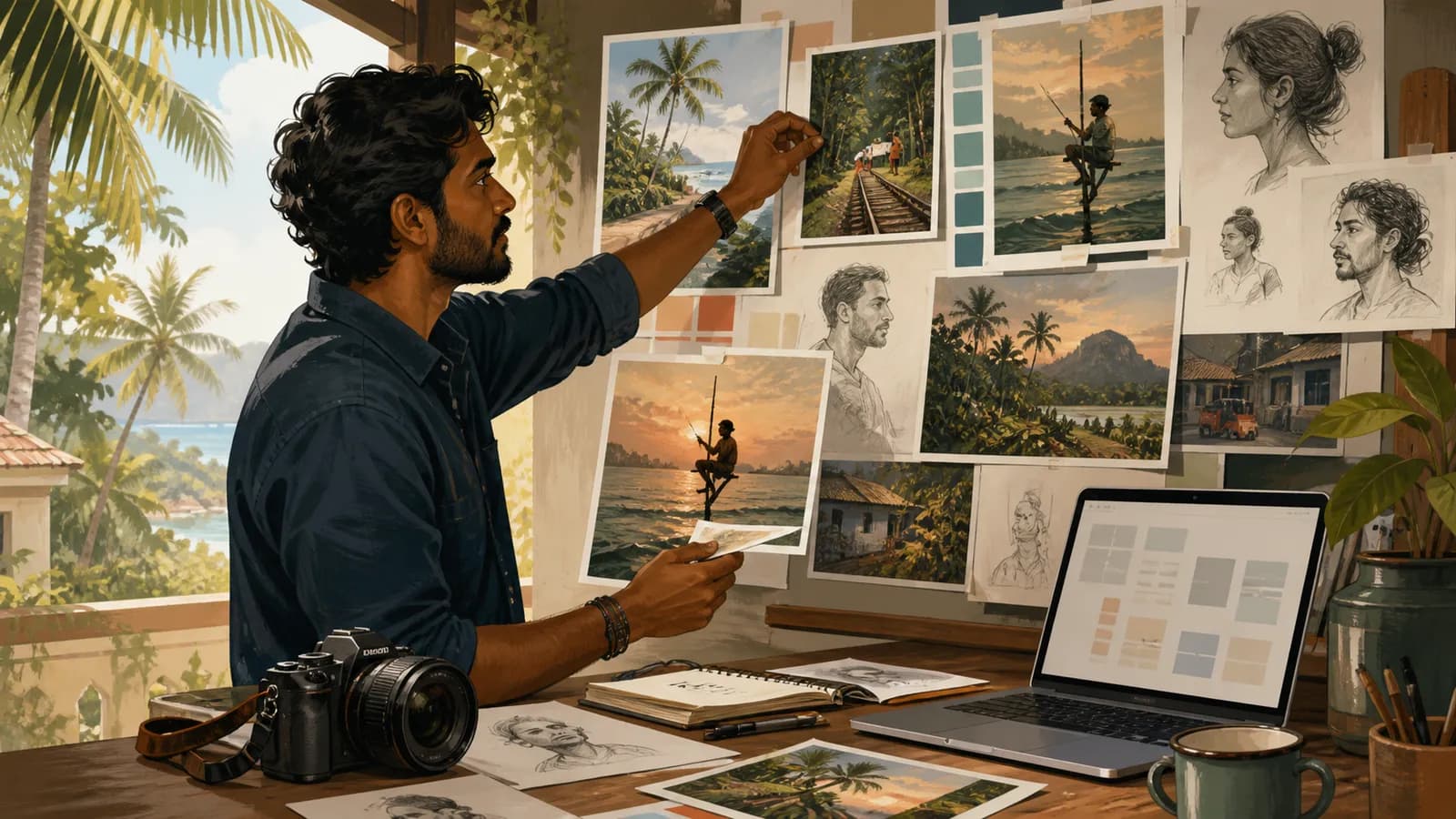
A useful Gemini photo prompt describes the image you need with enough detail to evaluate the result. For Sri Lankan creators, a specific setting, light and subject usually communicate more than a long list of fashionable style words.
Google's Gemini image-generation guide explains that the app can generate images and support edits, with availability depending on the supported product, account and location. Check the options in your account before planning a client delivery around them.
Start with the intended use
Decide whether the image is an editorial illustration, a concept for a campaign or a representation of a real product. That choice determines what must remain accurate.
Write the format and composition you need. A wide blog cover and a square product tile require different framing. Keep the important subject away from edges that may be cropped by the website.
Avoid asking for many unrelated focal points. One clear scene is easier to review and refine.
Use a compact prompt structure
| Prompt part | What to describe |
|---|---|
| Subject | The main person, object or activity |
| Setting | The place and relevant background |
| Light | Direction, softness and time-of-day feel |
| Composition | Framing, viewpoint and space around the subject |
| Constraints | Details to preserve or exclude |
Use local details when they serve the scene. A Colombo office window, a home study or a tea-growing landscape can provide context without reducing Sri Lanka to the same landmarks in every image.
Try an original prompt
Create a wide editorial photograph-style illustration of a fictional Sri Lankan graduate preparing a project presentation at a modest home desk. Soft morning light enters from a side window. Include a laptop, a notebook and a small plant. Use natural proportions and an uncluttered background. Keep screens unreadable and include no logos or text.
This prompt defines the subject, atmosphere and limitations. It does not claim that the resulting scene documents a real person or event.
For a second version, change only the light or camera position. If you change everything at once, it becomes difficult to understand which instruction improved the image.
Review the output against the brief
Check anatomy, object shapes, perspective and unwanted lettering. Look for details that imply a real brand, institution or endorsement you did not intend.
If the image represents a real product, compare it with approved references. A visually attractive result may still alter the colour, proportions or packaging.
Inspect the actual size in which the image will appear. Fine details that look good at full resolution may become distracting or illegible in a small preview.
Keep a reusable prompt record
Save the final prompt, source image references where applicable and the selected output. Record why you rejected a version so the next edit is specific.
Use descriptive filenames and meaningful alternative text when publishing. Describe what the image shows rather than filling the alt text with repeated search keywords.
Label illustrative scenes appropriately when readers might otherwise assume they are documentary photographs.
Does a longer prompt always produce a better image?
No. Clear priorities are more useful than a long list of competing instructions. Start with the main subject and refine the concrete problem you see.
Can you use a real person's photo as a reference?
Use only material you have the appropriate rights and consent to use, and consider the person's expectations about AI editing and publication.
Should text be generated inside the image?
For precise labels or business information, a normal design editor is easier to check. Keep critical information in accessible page text as well.
How do you improve a weak result?
Identify one visible problem, request a targeted change and compare the new version with the original brief.
Related guides
- Gemini Photo Editing: A Practical Sri Lanka Guide
- AI Product Photography in Sri Lanka: A Review Checklist
- Google Whisk to Flow: A Visual Concept Workflow
Browse the Sri Lanka work and technology guides for more practical application, AI and workplace projects.
Related articles
About the author
App Dev Sri Lanka prepared this guide with AI assistance, original examples and the linked primary sources. The collection was informed by Google Trends research for Sri Lanka on 2 September 2026. Illustrations depict fictional people. Examples are educational; this article is not a live vacancy notice or an employer endorsement.
Learn more about App Dev Sri Lanka
