
Gemini Photo Editing: A Practical Sri Lanka Guide
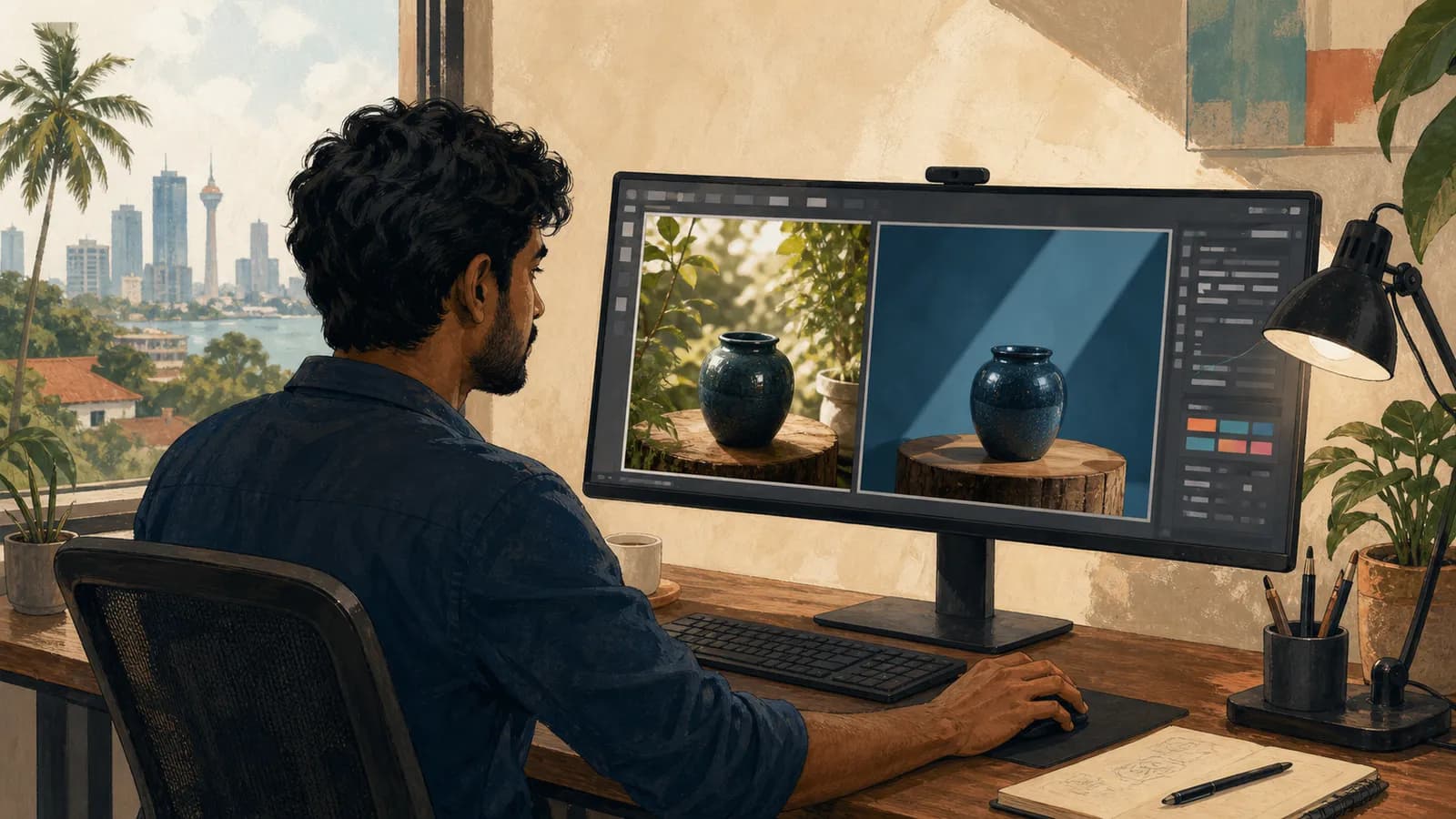
Gemini photo editing works better when you describe both the change and the details that must remain unchanged. “Make this better” gives the tool too little guidance, especially when the image contains a real product or a recognisable person.
Use an approved original and keep it separately from every generated version.
Define the edit before uploading
Decide whether you need a background change, a lighting adjustment, an object removal or a different crop. Explain the purpose of the image so the result can be judged against a real use.
Google's Gemini image-editing guidance describes editing uploaded or generated images. Feature availability and usage limits can vary, so confirm what your account supports.
Do not upload confidential client material simply because editing is technically possible. Check the tool's data terms and your permission to use the image.
Separate changes from invariants
| Edit request | Detail to preserve |
|---|---|
| Replace the background | Product shape, colour and label |
| Remove a distracting object | Main subject and surrounding geometry |
| Adjust lighting | Recognisable identity and surface texture |
| Reframe for a cover | Important objects and realistic proportions |
“Invariant” simply means something that must stay the same. Writing those details explicitly helps you review whether the edit succeeded.
For a portrait, preserve the person's identity and avoid using the result to imply an event or endorsement that did not happen.
An original editing prompt
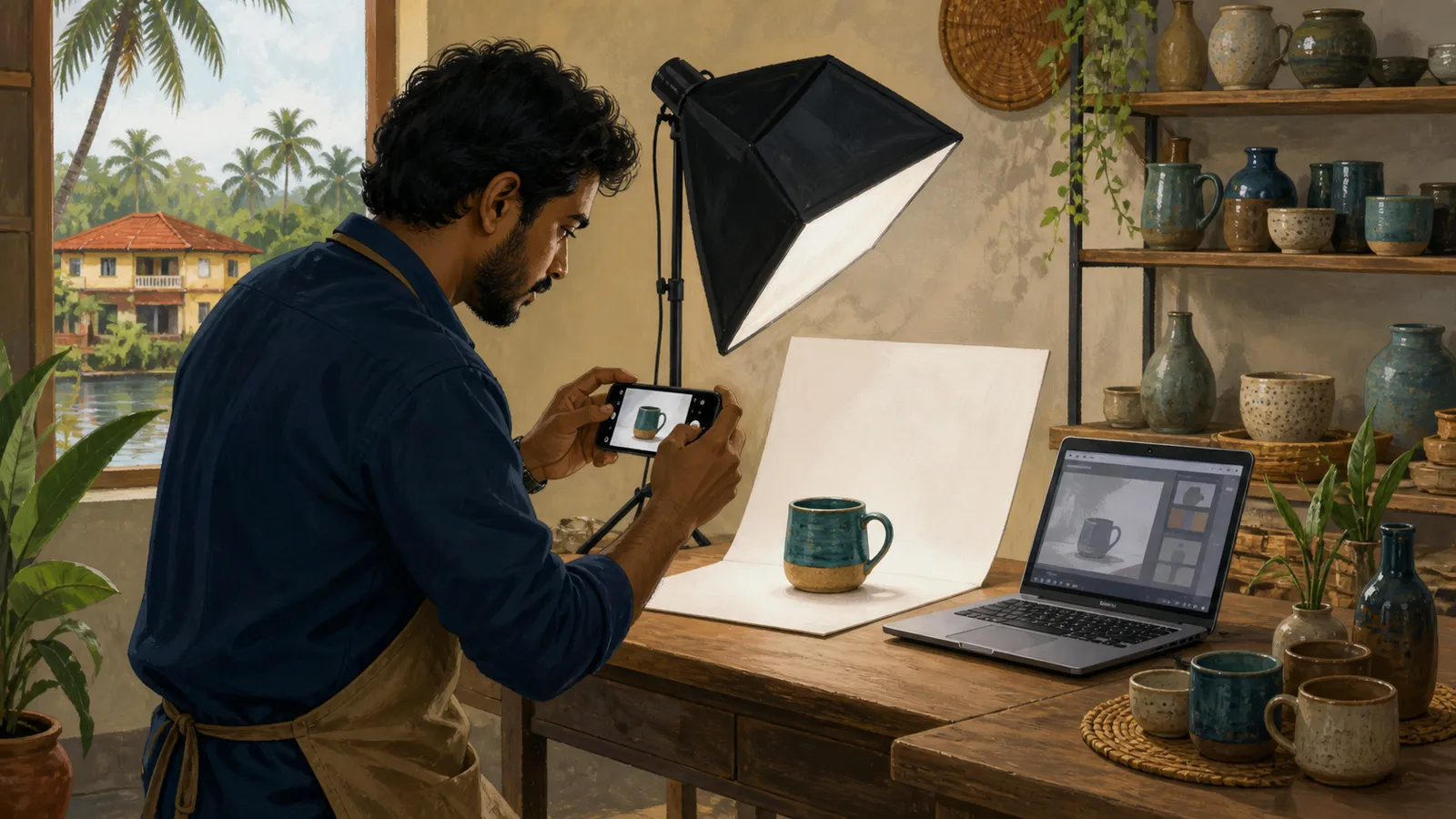
Replace only the busy background behind this approved ceramic-mug product photo with a softly lit neutral surface. Preserve the mug's handle shape, glaze colour, proportions and visible texture. Do not add a logo, change the rim or invent accessories. Keep a realistic shadow under the mug.
The prompt is specific enough for a side-by-side comparison. If the handle changes, the image fails the brief even if the background looks attractive.
Request one main edit at a time when fidelity matters. Combining background replacement, relighting and a new angle can make it harder to identify why the product changed.
Compare the result carefully
Open the original and edited image next to each other. Check edges, reflections, shadows and small details.
For products, inspect the exact colour, dimensions implied by the scene and any labels. For people, inspect facial features, hands and clothing details. For rooms, check straight lines and object relationships.
Ask another person to review the image if it will represent a client's product. Familiarity can make subtle errors easy to overlook.
Export and document the chosen version
Save the final version with a descriptive filename and keep the original. Record the prompt and the intended publication context.
Use the correct dimensions for the website or social platform and inspect the crop. Important details should remain visible in the actual layout.
If an edit changes the factual meaning of an image, explain that context when publishing. A concept image should not be presented as an unedited record.
Can AI edits preserve a product perfectly?
Do not assume so. Compare every important detail with the approved original before using the image commercially.
What if the tool changes something you asked it to preserve?
Reject that version or request a narrower edit. Repeated instructions do not remove the need for visual inspection.
Should you overwrite the original file?
Keep an untouched source so you can compare, revert or try another method.
When is a conventional editor preferable?
Use one when you need precise masks, exact typography, controlled colour correction or another change that must be deterministic. Choose the method that meets the brief reliably.
Related guides
- AI Product Photography in Sri Lanka: A Review Checklist
- Google Flow in Sri Lanka: Plan an AI Video Storyboard
- Google Whisk to Flow: A Visual Concept Workflow
Browse the Sri Lanka work and technology guides for more practical application, AI and workplace projects.
Related articles
About the author
App Dev Sri Lanka prepared this guide with AI assistance, original examples and the linked primary sources. The collection was informed by Google Trends research for Sri Lanka on 2 September 2026. Illustrations depict fictional people. Examples are educational; this article is not a live vacancy notice or an employer endorsement.
Learn more about App Dev Sri Lanka
