
Online Interview Checklist for Sri Lankan Job Seekers

An online interview needs the same role preparation as an office interview, plus a reliable way to communicate. For Sri Lankan applicants, a practical plan includes the invitation's time zone, the connection you will use and a fallback contact route if the call fails.
The aim is a calm conversation where the interviewer can hear your examples clearly.
Confirm the invitation details
Check the employer, role, platform, date and time zone. Do not infer the time from the recruiter's location. Ask for clarification if the invitation and calendar entry disagree.
Verify the meeting link through the recruitment conversation you already trust. Install or update the meeting application through its official source if needed, leaving time to test it before the interview.
The National Careers Service interview guide provides general preparation advice, including reviewing the role and your own examples. Use the technology checklist below alongside that preparation.
Rehearse the setup
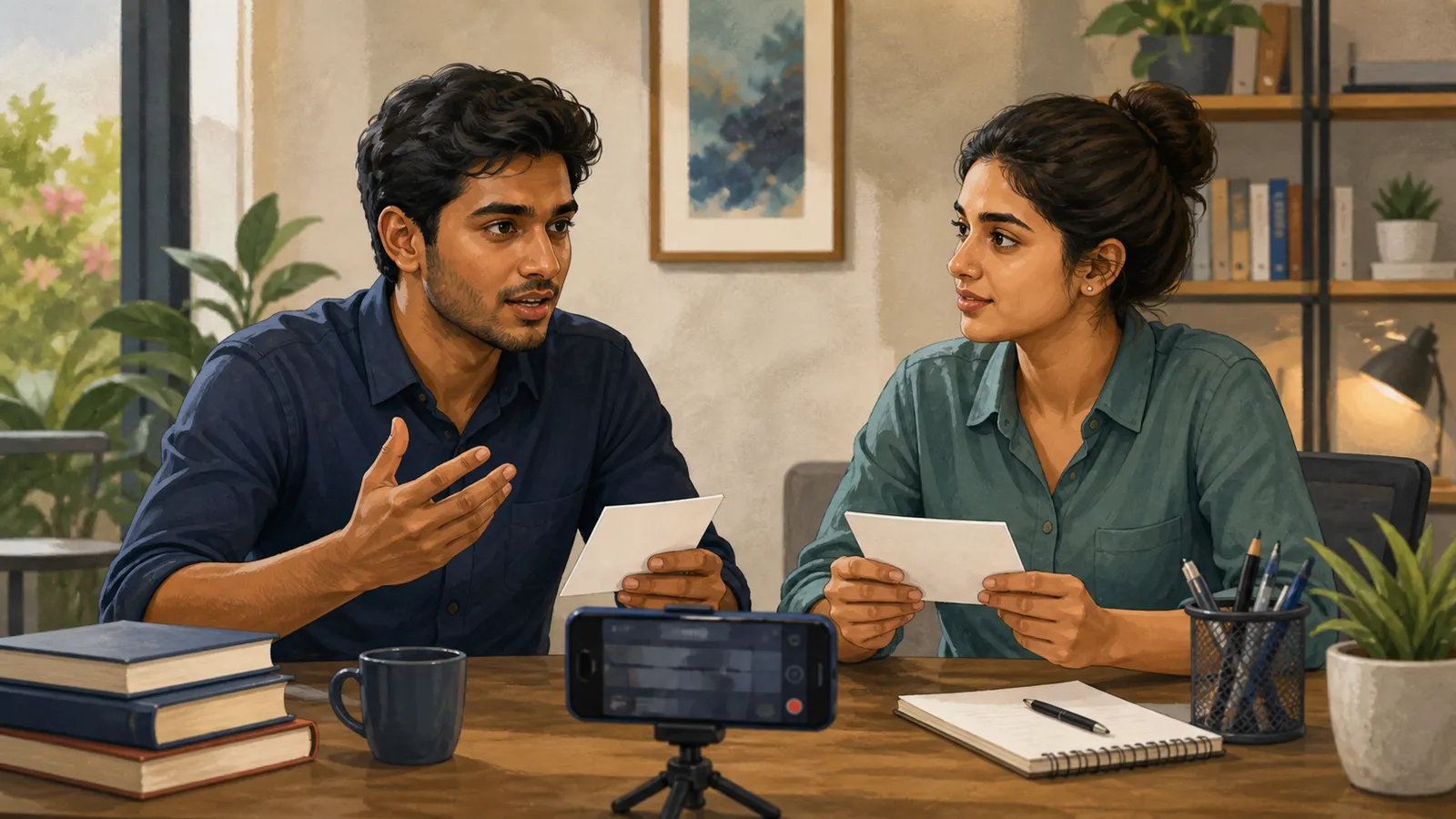
Join a test call with a friend or use the platform's available device checks. Listen to a recording if possible; a microphone that appears connected may still produce poor sound.
| Check | What to confirm |
|---|---|
| Camera | Face visible, stable framing and adequate light |
| Microphone | Clear speech without distracting echo |
| Connection | Reliable enough for a practice call |
| Screen sharing | Only the intended window is visible |
| Power | Laptop and phone charged |
| Background | Quiet, tidy and free from private information |
Place the camera near eye level and keep your notes close to the screen. Looking down at a long script makes the conversation less natural.
Prepare a connection fallback
Test mobile data or another available connection before you need it. A backup that has never been tried is still an assumption.
Keep the recruiter's verified contact details accessible. If the call disconnects, reconnect once and send a brief factual message if necessary: “My connection dropped. I am reconnecting and can also continue by phone if convenient.”
Do not promise uninterrupted service. A sensible recovery plan is more useful than pretending a connection problem could never happen.
Organise examples and shared material
Keep your CV, the notice and a few story prompts in a private folder. Close unrelated tabs and turn off unnecessary notifications before sharing a screen.
For a project demonstration, prepare a small local or recorded fallback in case the live demo fails. Use fictional data and remove credentials, private messages and customer details from the demonstration.
Practise explaining the project without relying on the interface. An interviewer may ask about a decision while the shared screen is unavailable.
Manage the conversation
Allow a brief pause after questions to avoid speaking over a delayed connection. Ask for repetition when audio is unclear instead of guessing.
Look toward the camera when speaking, but do not force constant eye contact at the expense of listening. Keep answers concise enough to allow follow-up questions.
At the end, confirm the expected next step and any requested follow-up materials. Add the outcome to your application tracker.
Should you use a phone or laptop?
Use the device that supports the required interview tasks reliably. A laptop may be easier for code or portfolio demonstrations, while a phone can be a useful backup.
Can you keep notes nearby?
Short prompts can help. Avoid reading full answers, and follow any stated assessment rules about permitted materials.
What if the home environment is noisy?
Choose the quietest realistic space, tell others your interview time and test the microphone. If a predictable disruption cannot be avoided, explain it briefly rather than waiting for confusion during the call.
Related guides
- Job Offer Checklist in Sri Lanka: What to Confirm
- English for Job Interviews in Sri Lanka: Practice Guide
- CV vs Resume in Sri Lanka: Which Should You Send?
Browse the Sri Lanka work and technology guides for more practical application, AI and workplace projects.
Related articles

About the author
App Dev Sri Lanka prepared this guide with AI assistance, original examples and the linked primary sources. The collection was informed by Google Trends research for Sri Lanka on 2 September 2026. Illustrations depict fictional people. Examples are educational; this article is not a live vacancy notice or an employer endorsement.
Learn more about App Dev Sri Lanka
