
No-Code Automation in Sri Lanka: Plan Your First Workflow
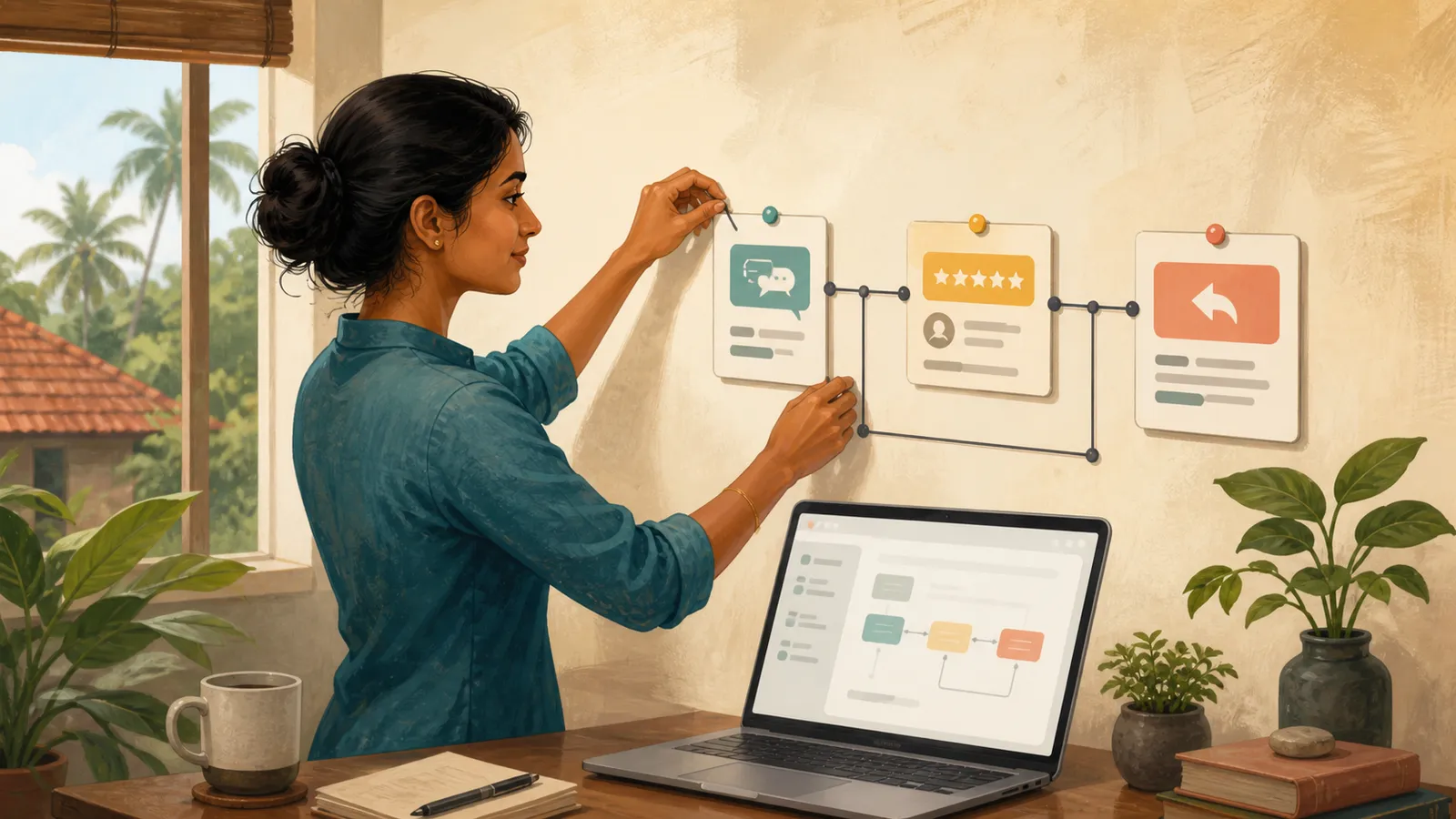
No-code automation should begin with a process you understand. For a Sri Lankan small business, a first workflow might record a customer enquiry and prepare it for review. The goal is a reliable handover, not connecting as many apps as possible.
Write the current manual process before choosing a platform.
Define the trigger and result
A trigger is the event that starts the workflow. An action is a step the workflow performs. Microsoft's Power Automate trigger-and-action guide explains this structure for that platform.
For a fictional service business, the trigger could be a submitted enquiry form. The result could be a new review record with the enquiry details and a status of “Needs review.”
Do not add automatic promises to customers before the business rules are clear.
Map a small workflow
| Step | Purpose |
|---|---|
| Receive enquiry | Capture the submitted information |
| Validate fields | Identify missing required details |
| Check reference | Avoid processing the same enquiry twice |
| Create review record | Give the team a visible work item |
| Notify the owner | Point to the record without exposing unnecessary data |
Keep a unique enquiry reference across the steps. It helps diagnose duplicates and trace what happened.
Define what the workflow should do if a field is missing. Sending an incomplete record into the next system may simply move the problem.
Plan duplicate handling
Many integrations can retry after a temporary failure. A repeated event should not automatically create repeated customer messages or duplicate orders.
Use a stable reference and check whether the action has already been completed. Record the result so a retry can continue safely where appropriate.
Test this behaviour deliberately with fictional data. A workflow that succeeds once has not yet demonstrated how it handles repetition.
Add a recovery path
Decide who sees failures and what they need to fix them. A useful error record includes the enquiry reference, failed step and a clear status.
Microsoft's flow troubleshooting guide distinguishes trigger, action and logic problems. A workflow can run successfully while still producing the wrong result, so inspect outputs as well as run status.
Avoid deleting failed records automatically. Keep enough information for an authorised person to understand and resolve the issue.
Review access and ongoing ownership
Check which accounts connect the systems and what information each service receives. Use approved accounts with only the access the workflow needs.
Identify an owner who will review failures, update connections and test changes. A workflow tied to an employee's personal account can become difficult to maintain when their role changes.
Check current pricing, connector availability and limits before committing to a platform. Do not assume every integration shown in a tutorial is included in your account.
Launch gradually
Run the workflow with test data, then a small controlled set of real enquiries if authorised. Compare the automated output with the expected manual result.
Keep human review for customer-facing actions until the process is reliable and the business has approved the behaviour.
Document how to pause the workflow and handle work manually if a connected service is unavailable.
Does no-code mean no technical understanding is needed?
You still need to understand data, conditions, permissions and failure behaviour. The interface changes how you build the workflow, not the need for judgement.
What should you automate first?
Choose a frequent, clearly defined task with an outcome you can verify. Avoid starting with ambiguous decisions or irreversible actions.
Can AI help design the workflow?
It can suggest steps and test cases. Verify the platform's actual capabilities and review every action before enabling it.
What is the final acceptance test?
The right record is created once, errors are visible and an authorised person can recover when a step fails.
Related guides
- Google AI Studio: First Prototype Guide for Sri Lanka
- Python Office Automation: First Project for Sri Lanka
- Using AI at Work: A Data Privacy Checklist for Sri Lanka
Browse the Sri Lanka work and technology guides for more practical application, AI and workplace projects.
Related articles



About the author
App Dev Sri Lanka prepared this guide with AI assistance, original examples and the linked primary sources. The collection was informed by Google Trends research for Sri Lanka on 2 September 2026. Illustrations depict fictional people. Examples are educational; this article is not a live vacancy notice or an employer endorsement.
Learn more about App Dev Sri Lanka
