
Mobile App Maintenance Checklist After Launch
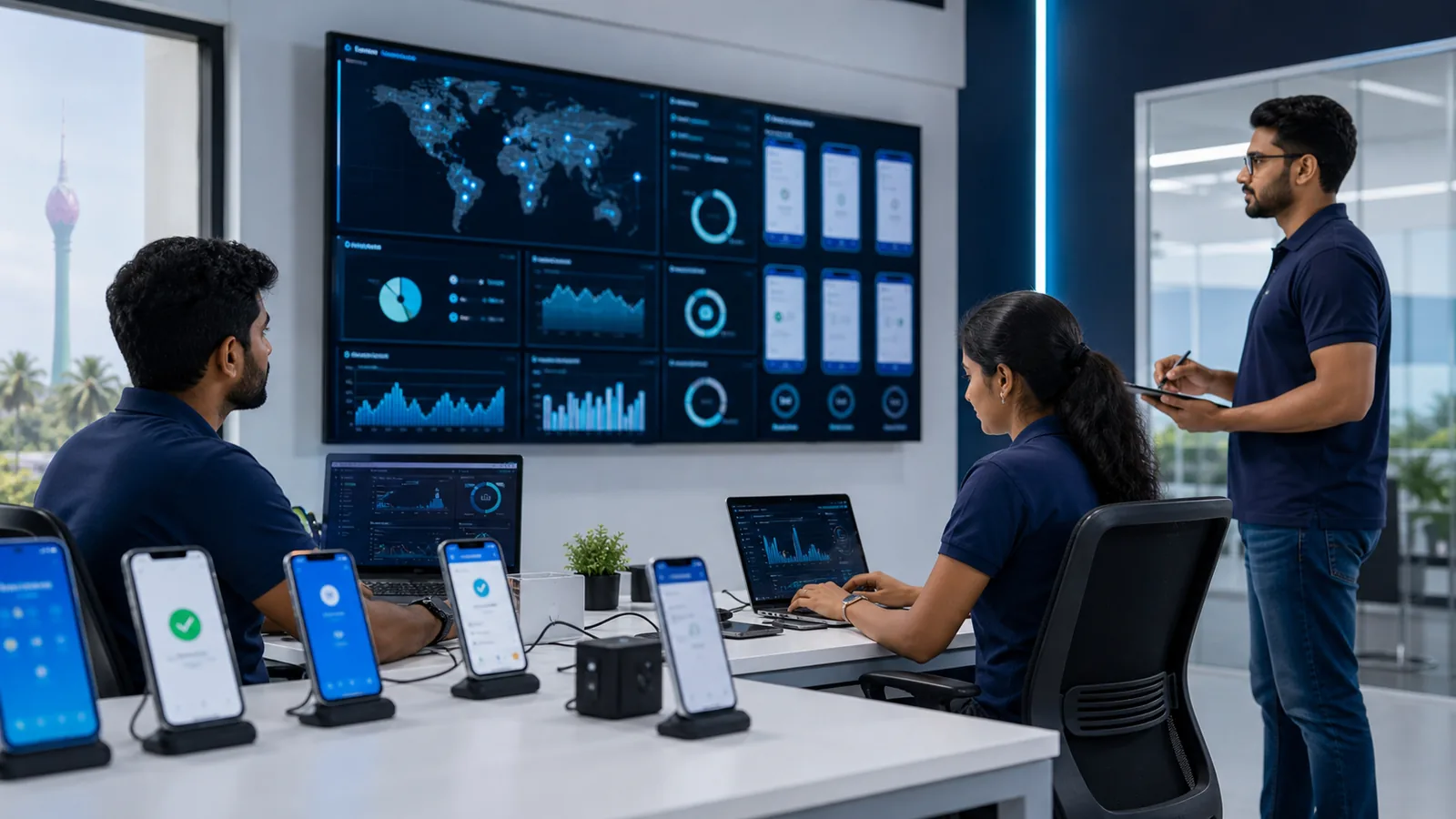
Launching a mobile app creates an operating responsibility. Devices, operating systems, store rules, dependencies, backend services, and customer expectations continue changing after the first release. Without named owners and a maintenance routine, even a successful launch gradually becomes unreliable.
Maintenance should be included when planning a mobile app development project, not added only after a production incident. Use this checklist to establish the work, evidence, and response expectations for each release.
Monitor the whole service
Track more than whether the app opens. Monitor crashes, application-not-responding events, API errors, authentication failures, payment or booking failures, notification delivery, background jobs, and important third-party integrations. Set alerts around user impact and assign an on-call or escalation contact.
Keep logs useful without collecting unnecessary personal information. Include a request or transaction identifier so support staff can trace a failed workflow without asking a user to repeat sensitive data. Define how long logs are retained and who can access them.
Test the alert route regularly. A dashboard that nobody checks is not monitoring, and an email sent to a departed employee is not an incident process.
Maintain security and dependencies
Inventory mobile libraries, build tools, backend services, certificates, signing keys, API credentials, and software owners. Review security advisories and update supported dependencies through small, testable releases instead of allowing years of changes to accumulate.
Protect production access with least privilege and multi-factor authentication. Rotate secrets when staff or suppliers change. Keep signing keys and recovery details in company-controlled secure storage, never only on a developer’s laptop.
Review authentication, session expiry, account recovery, permissions, data stored on-device, encryption boundaries, and server-side access control. The app interface must never be trusted to enforce a permission that protects business or customer data.
For a broader release review, adapt the controls in the website security checklist to the app’s API and administrative systems.
Follow operating-system and store changes
Assign someone to review announcements from Apple and Android developer channels. Track target-version requirements, deprecated APIs, privacy declarations, permission behaviour, background execution, billing policies, and device-form-factor guidance. Add deadlines to the product calendar early enough for development and testing.
Test beta operating-system versions against the critical workflow before customers upgrade widely. Maintain a supported-device and operating-system policy, then use analytics to decide when older versions can responsibly be retired.
Store metadata also needs maintenance. Keep screenshots, descriptions, support URLs, privacy information, age or content declarations, and release notes accurate. Review the current Apple guidelines and Android quality guidance rather than relying on a checklist copied from an earlier year.
Operate support as a product signal
Provide a visible support route inside the app and on its store listing. Categorise enquiries by workflow, device, version, and severity. Link recurring questions to product improvements, help content, or onboarding changes.
Set expectations for acknowledgement and resolution. Prepare response playbooks for login problems, lost devices, duplicate transactions, service outages, privacy requests, and suspected account compromise. Support staff need a safe administrative tool and audit trail; direct database editing should not be the normal resolution method.
Protect data and recoverability
Back up server-side data according to its value and recovery requirement. A backup is only credible after a restoration test. Document recovery-time and recovery-point objectives in language the business understands: how much data could be lost and how long the service may be unavailable.
Plan for regional outages, third-party downtime, message retries, and partial transaction failure. Ensure idempotency or duplicate protection where repeated requests could create multiple orders, charges, or bookings. Maintain an incident record and conduct a short review after material failures.
Measure value, not vanity
Track activation, successful completion of the core workflow, repeat use, retention, failure rate, support volume, and business outcome. Downloads and registrations are useful context but can hide an app that people abandon immediately.
Review analytics alongside qualitative feedback. Respect user consent and collect only what supports a defined decision. A monthly product review should identify one of three actions: improve a weak step, validate a new opportunity, or remove unnecessary complexity.
The mobile app MVP planning guide explains how to connect these measures to the original hypothesis.
Use a predictable release process
Maintain development, test, and production environments. Automate repeatable build and test steps, document release ownership, and keep a rollback or mitigation plan. Test the updated app against supported devices, accessibility needs, poor networks, permission denial, and upgraded installations—not only fresh installs.
Use staged or controlled releases where available, watch the agreed health metrics, and communicate important changes to support and operations. Record what was released, who approved it, and any database or backend dependency.
Finally, reserve a recurring budget and schedule. Maintenance is not a fixed percentage that suits every product; it depends on risk, users, integrations, release frequency, and support commitments. Review project pricing options, or send the existing architecture and maintenance needs through Get Started for a scoped plan.
Related articles



About the author
Joel Jerushan writes about mobile apps, websites, AI, SEO, and practical technology choices for growing businesses.
Learn more about App Dev Sri Lanka
